











This page helps registered users access their Sportbet accounts. Sign in with the phone number or email address used during registration and your password. The process works on desktop and mobile devices; entering details only on the official site helps protect your personal information.
Once inside, you can check your balance, review bets and transactions, and update account settings. If you have not registered before, create an account first rather than trying to use the login form.
How to Login to Sportbet
Open the official website and select the login button. On the authentication form, enter your registered phone number or email address, then enter your password. Check both fields before submitting, particularly if your device has filled them automatically.
If the details match the account record, the dashboard will open. Where an additional verification step is requested, enter the code sent to your registered phone number or email. Do not share a verification code with anyone, even if they claim to be support staff.
What You Can Do Inside Your Account
Your dashboard normally shows the available balance, active bets, and recent activity. Betting history can help you find earlier wagers by date or sport, while transaction history records deposits and withdrawals with their dates and payment method.
Use personal settings to keep your phone number and email address current. Notification settings can be adjusted to suit your preferences. Review account activity from time to time and change your password promptly if anything looks unfamiliar.
Login Using Mobile Browser and App
The mobile site can be opened in a smartphone browser. Select the login button, enter the same credentials used on desktop, and wait for the dashboard to load. A stable connection is useful when entering a verification code or confirming account changes.
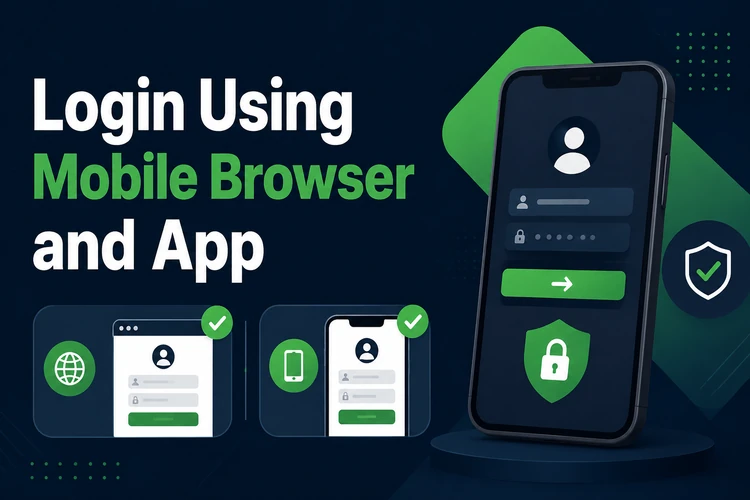
If you use the mobile app, install it only from the official source and sign in from its welcome screen. Do not leave an active session open on a shared phone. Logging out or clearing app data will require you to enter your credentials again.
Forgot Your Password?
Select the "Forgot password?" option below the password field and provide your registered phone number or email address. A reset code or link will be sent to that contact. Check your SMS inbox, email inbox, and spam folder before requesting another message.
Create a new password that is different from old passwords and from passwords used on other sites. After saving it, return to the login page and sign in with the new details. If you no longer control the registered contact method, use the support channel for help verifying your account.
Creating a New Account
Registration is for new users; login is for people who already have credentials. The registration process asks for contact details and a password, and may require phone verification by SMS. Read the information carefully before submitting it.
You must be 18+ to use betting services. Once registration and any required verification are complete, use the credentials you created to access the account. Do not make a second account if you have simply forgotten your password.
Common Login Problems and Solutions
Failed login attempts are often caused by a mistyped password or contact detail. Check for extra spaces, confirm that Caps Lock is off, and remember that passwords are case-sensitive. Use password recovery rather than repeatedly guessing a password.
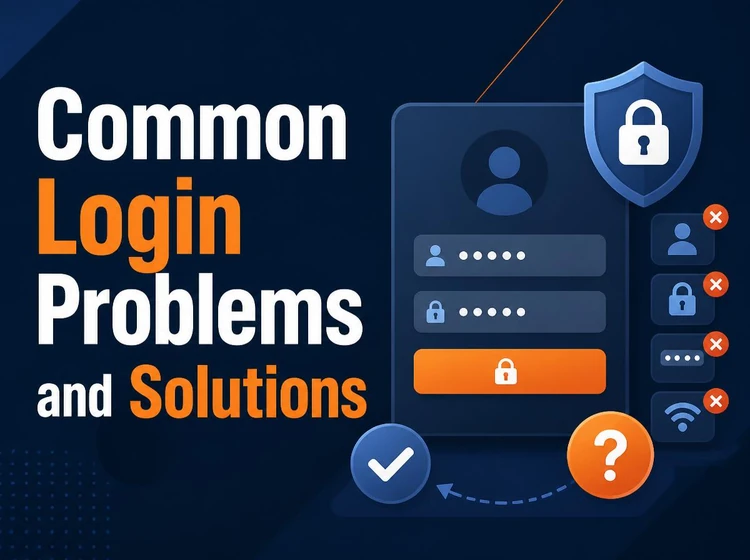
Old browser data can also interfere with a session. Clear cache and cookies, or try a private browsing window. If your network is weak, switch to a more reliable connection before trying again. Temporary maintenance can affect access as well, so wait briefly and retry.
Several unsuccessful attempts may trigger a security lock. If access is still unavailable after checking your details and connection, contact support through the contact page using the phone number or email linked to the account.
Tips for Secure Login
Use a long, unique password with a mix of letters, numbers, and symbols. Avoid names, birthdays, and predictable combinations. A password manager can help you create and store strong passwords securely on your own device.
Never save passwords on a public computer or a shared phone, and always log out after use. Check the page address and HTTPS connection before entering credentials. Be cautious of unexpected messages asking for passwords or codes; legitimate account protection does not require you to disclose them.
FAQ
Open the official site, select the login button, and enter your registered phone number or email address with your password. Complete any verification step shown on screen.
Yes. You can use a mobile browser or the mobile app. Use the same account credentials as on desktop and avoid signing in over an unsecured shared connection.
Use the "Forgot password?" option on the login form. Enter your registered contact detail, follow the reset link or code, and set a new unique password.
Check for typing errors, Caps Lock, an unstable internet connection, or old browser data. Clear cache and cookies, then try again. If the issue continues, contact support.
Yes. Complete registration with your contact details and a secure password, then verify your phone number if requested. You must be 18+ to use betting services.
Use a strong password that you do not reuse elsewhere, do not save it on shared devices, and log out when finished. Verify the website address before entering credentials and never share reset or verification codes.